7 Best Screen Time Apps in 2026 (Tested and Compared)

Short on Time? Here's the Quick Take

The average person picks up their phone 96 times a day. That is once every 10 minutes during waking hours. Most of those pickups are not intentional. They are reflexive, driven by boredom, anxiety, or habit loops that bypass conscious thought entirely.
Screen time apps exist to interrupt that loop. Some block apps outright. Some add friction. Some just make you aware of how much time you are losing. The right approach depends on your personality. If you need hard boundaries, a gentle nudge will not help. If you hate being locked out of your own phone, an aggressive blocker will last about three days before you delete it.
We installed all seven of these apps on our phones and used each one for at least a week. We tested blocking strength, customization, pricing, privacy policies, and whether we actually kept using them after the novelty wore off. For a deeper look at why reducing screen time matters and practical strategies beyond apps, see our full guide.
Full disclosure: Habi is our app. We built it. We included it because its screen time blocking feature belongs in this conversation. Every app on this list got the same honest treatment. No affiliate links. No app paid to be here.
How We Tested
We evaluated each screen time app across five criteria over one or more weeks of real daily use:
- Blocking strength. Can you actually bypass the block in the moment? How hard does the app make it to cheat? We tried every workaround we could find.
- Customization. Can you set different rules for different apps, times of day, and days of the week? One-size-fits-all blocking frustrates more than it helps.
- Privacy. Does the app process your usage data locally or send it to external servers? We read every privacy policy and checked network traffic.
- Pricing. What do you get for free? Is the paid tier worth the cost, or does the free tier cover most use cases?
- Sustainability. Did we keep using the app after the first week, or did the friction become so annoying that we deleted it?
No affiliate links in this article. No app paid to be here.
1. Habi - Best All-in-One
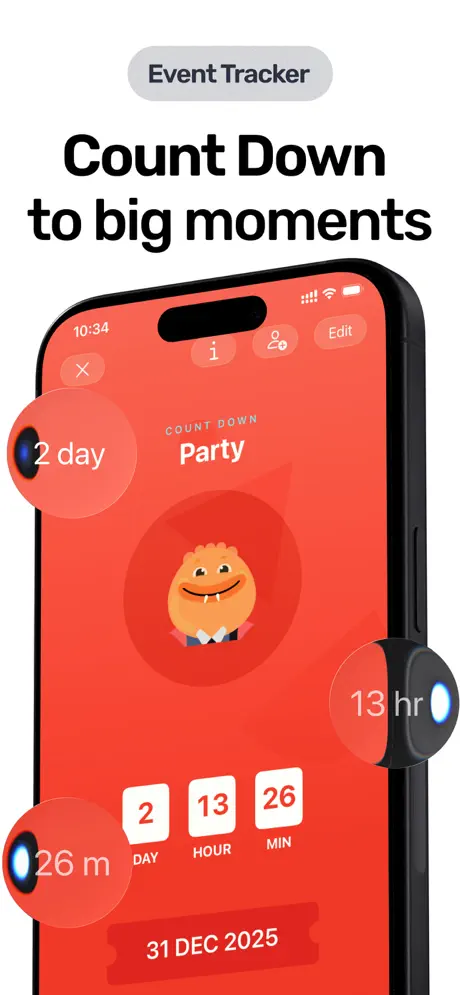
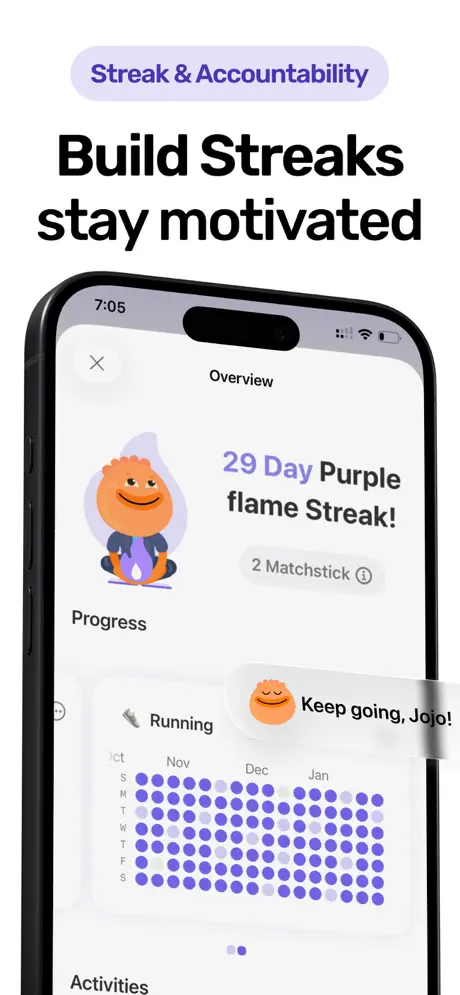
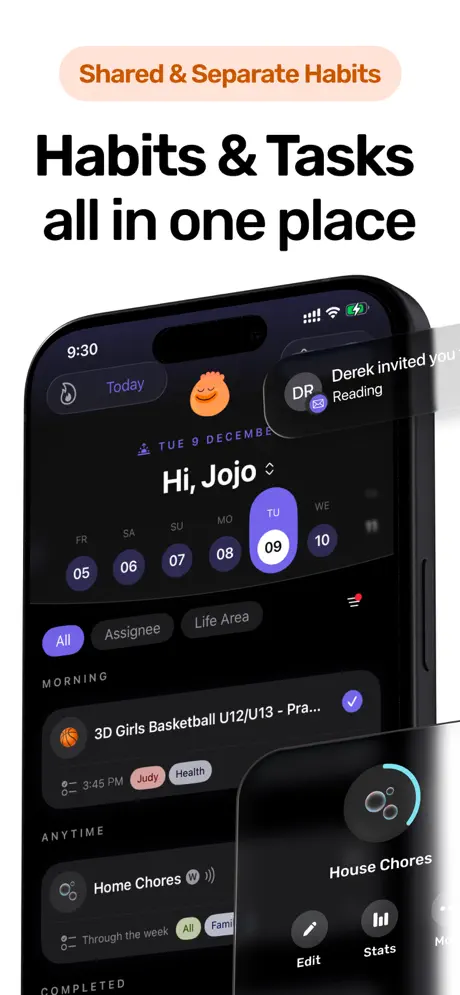
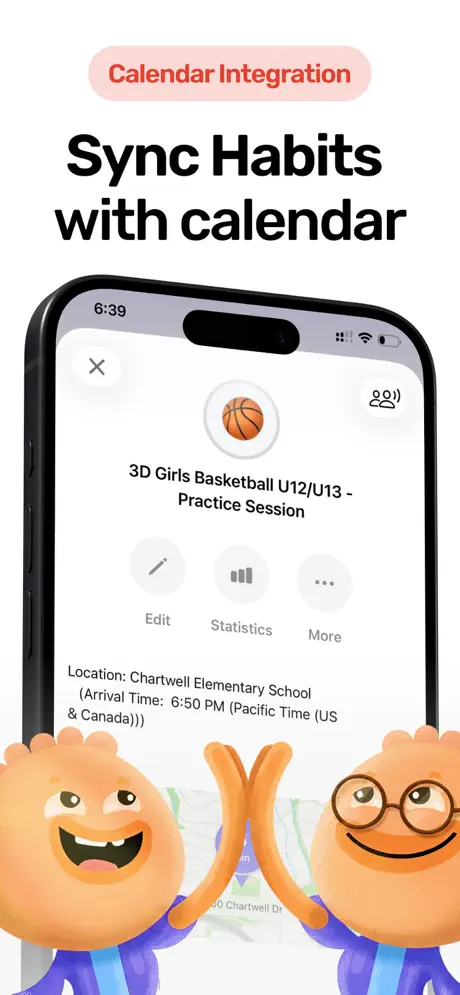
Most screen time apps only do one thing: block apps. Habi takes a different approach. It connects screen time blocking to your habits and focus sessions, so the blocking serves a purpose beyond just "use your phone less."
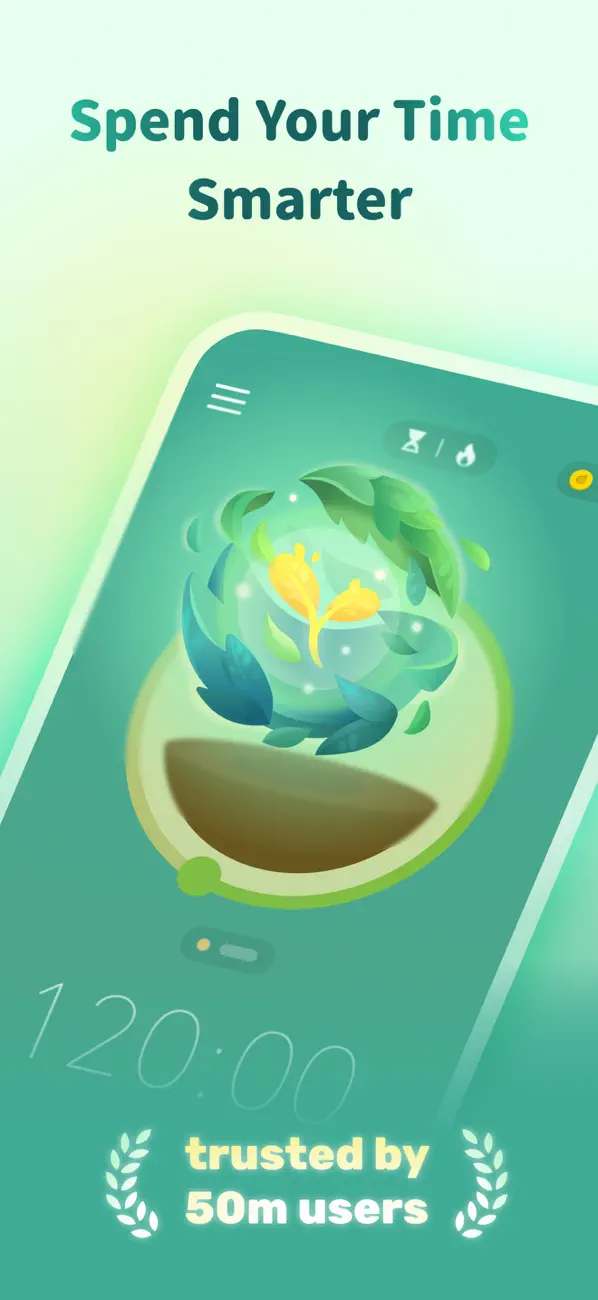
Start a focus session in Habi and distracting apps are automatically blocked for the duration. The built-in Pomodoro timer keeps you on track with ambient soundscapes (rain, white noise, forest sounds), and your habit streaks give you a reason to maintain the session. It is screen time management that fits inside a broader productivity system instead of existing in isolation.
The integration matters because screen time is not the disease. It is the symptom. You open Instagram because you are bored during a work block. You check Twitter because you are avoiding a task. Habi addresses the root cause by giving you something structured to do instead and blocking the escape routes while you do it.
What we liked:
- Habit-integrated blocking. Screen time limits are tied to your focus sessions and daily habits. The blocking has context and purpose, not just arbitrary time restrictions.
- Focus timer with ambient sounds. Built-in Pomodoro timer with white noise, rain, and forest soundscapes. Replaces the apps you are blocking with something that actually helps you concentrate. See our focus timer guide for how this technique works.
- Zero data collection. Everything stays on your device and syncs through your personal iCloud. No accounts, no backend servers, no usage analytics sent anywhere. The strongest privacy stance on this list.
- Clean, minimal interface. No gamification, no guilt trips, no social feeds. Just tools that work quietly in the background.
What could be better:
- iOS only. iPhone, iPad, Mac, and Vision Pro. No Android. If you need cross-platform blocking, Freedom is the better choice.
- No standalone screen time tracking dashboard. Habi focuses on blocking during focus sessions rather than detailed usage analytics. If you want granular daily/weekly screen time reports, Opal or Apple Screen Time provide more data.
Pricing: Free to use. The core screen time blocking, focus timer, and habit tracking all work without paying. Optional Pro upgrade unlocks extras.
Platforms: iPhone, iPad, Mac (Apple Silicon), Apple Vision Pro.
Verdict: Habi is the best choice if you want screen time blocking as part of a broader system for building better habits and staying focused. It is not the most aggressive blocker on this list, and it will not give you a detailed usage dashboard. But it is the only app here that connects your screen time to your habits, your focus sessions, and your daily goals. If you are looking for a single app that replaces three, give Habi a try.
2. Opal - Best Aggressive Blocking
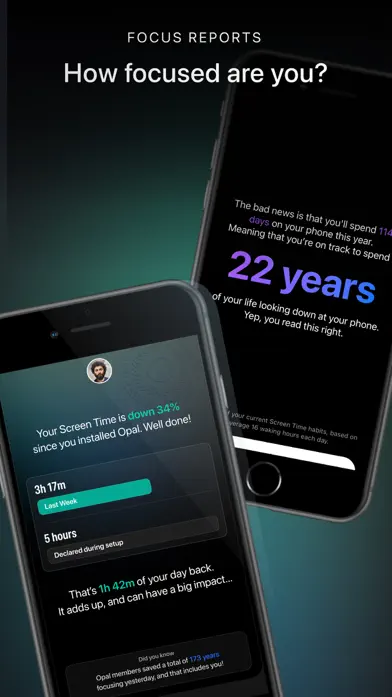
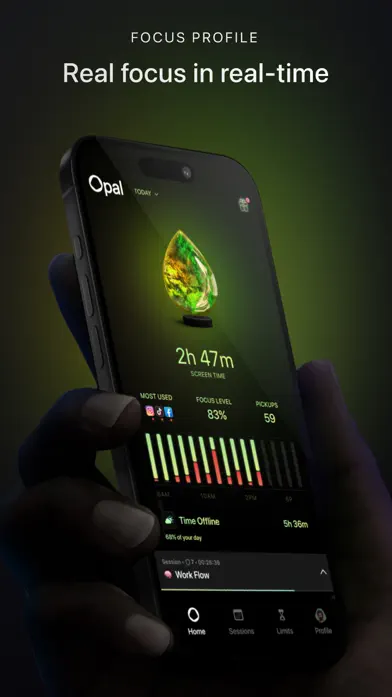
If you need to be physically prevented from opening Instagram, Opal is the nuclear option. Its Deep Focus mode is the strongest blocking mechanism we tested. Once activated, you genuinely cannot bypass it without restarting your phone and waiting for the session to end. No "just five more minutes" button. No workaround.
Opal lets you create multiple focus sessions with different app groups. Block social media during work hours, block everything except phone calls at night, allow news apps during lunch. The scheduling is flexible and the UI is genuinely beautiful, which matters when you are interacting with the app multiple times a day.
The company positions itself as a digital wellness brand, and the onboarding reflects that. Expect motivational prompts, streaks for maintaining focus sessions, and weekly reports showing how much time you "saved." Some people find this encouraging. Others find it patronizing.
What we liked:
- Strongest blocking on iOS. Deep Focus mode is truly hard to bypass. If you have tried other screen time apps and found yourself cheating every time, Opal removes the option.
- Scheduled sessions. Create recurring focus blocks for work, sleep, or study with different app restrictions for each. Set it once and forget it.
- Beautiful UI. Clean, modern design that feels premium. The usage reports are visually well-designed and easy to understand.
- Local data processing. Usage data stays on your device. Opal does not send your app usage to external servers.
What could be better:
- Expensive. $9.99/month or $99.99/year for full features. The free tier is extremely limited. For a single-purpose app, that is a steep price.
- iOS only. No Android, no desktop. If you waste time on your laptop too, Opal cannot help.
- Aggressive upselling. The free version constantly nudges you toward the premium subscription. Multiple users on Reddit have noted this friction.
Pricing: Free (limited). Premium at $9.99/month or $99.99/year.
Platforms: iPhone, iPad.
Verdict: Opal is for people who have tried everything else and keep failing. If you need the strongest possible block and are willing to pay for it, Opal delivers. If the price seems steep for a screen time app, ScreenZen offers a similar (though less aggressive) approach for free.
3. one sec - Best Mindful Pauses
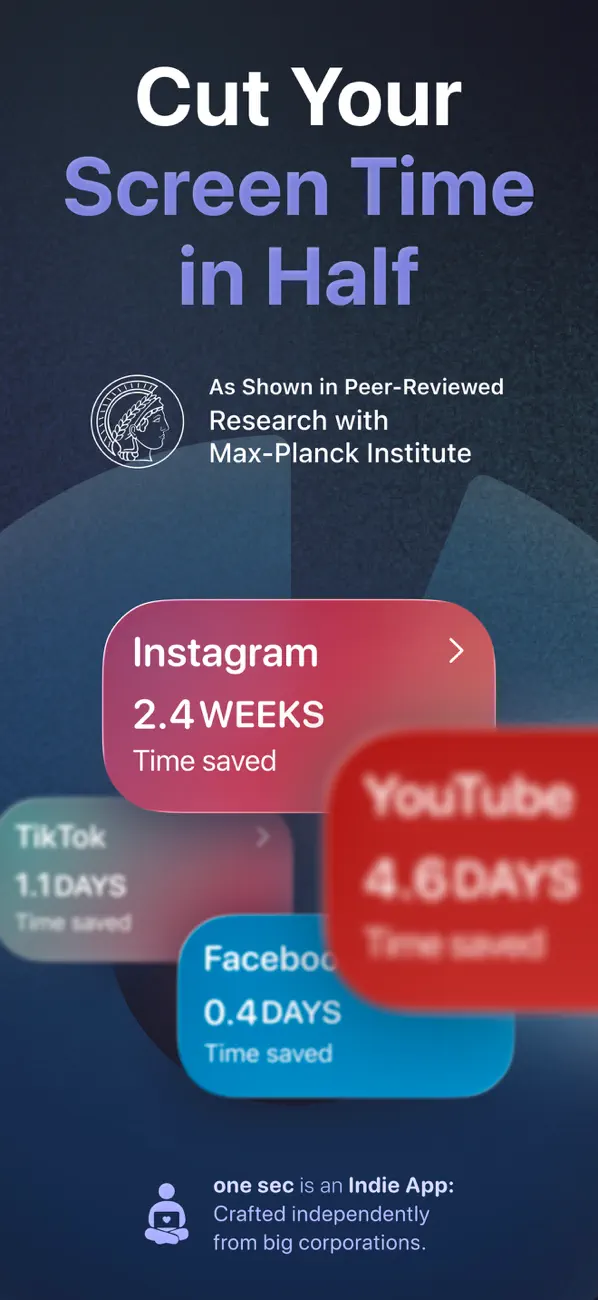
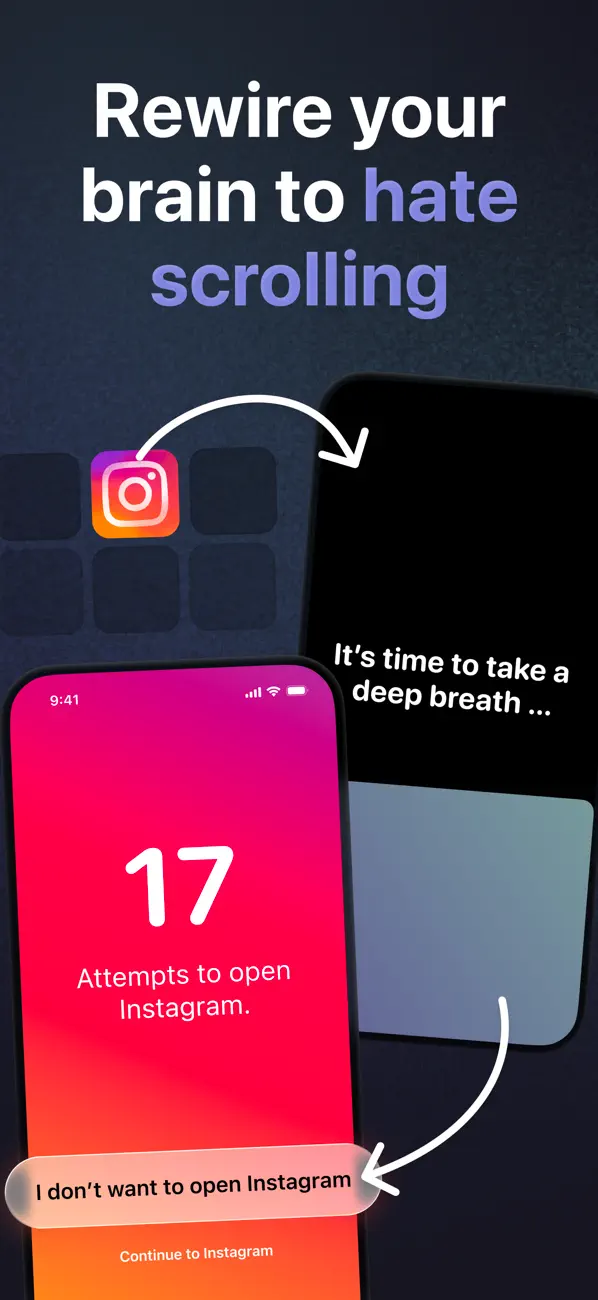
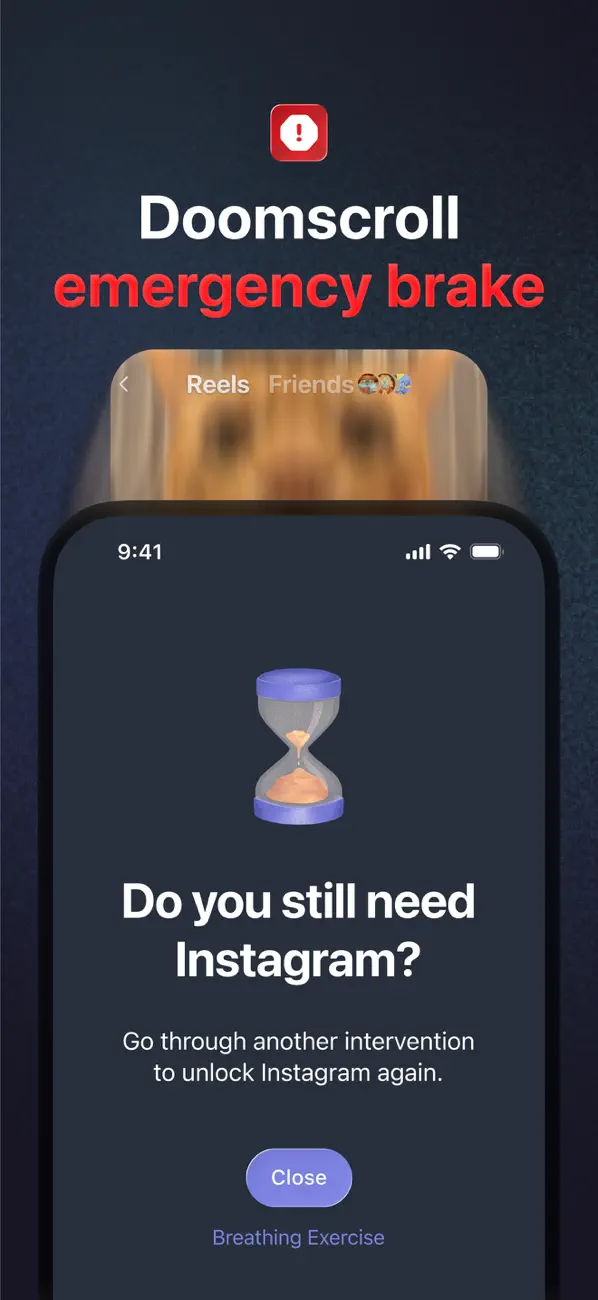
one sec does not block anything. Instead, every time you try to open a configured app, it forces you to pause and take a deep breath first. A full-screen breathing animation appears, lasting several seconds, and then asks: "Do you still want to open this app?"
It sounds too simple to work. It is not. The concept is based on research into friction-based behavior change and dopamine-driven behavior loops. Most impulsive phone use happens in a fraction of a second: boredom triggers thumb, thumb opens Instagram, brain gets dopamine hit. The breathing pause inserts a moment of conscious decision-making into that automatic loop.
one sec reports that users open configured apps 57% less after using the app for a week. In our testing, the number felt roughly right. After a few days, we found ourselves reaching for the phone, remembering the breathing exercise, and just putting the phone down instead. The friction rewires the habit loop over time.
What we liked:
- Non-invasive approach. No hard blocking, no locked screens. You can always open the app after the pause. The friction is gentle enough that it does not feel punishing.
- Builds genuine awareness. After a week, you start noticing your impulse patterns without the app needing to tell you. That is behavior change, not just restriction.
- Good analytics. Tracks how many times you opened an app versus how many times you decided not to after the pause. Seeing the ratio change over time is motivating.
- Works on iOS and Android. One of the few mindfulness-based screen time apps available on both platforms.
What could be better:
- Does not actually block. If you are the type who will just breathe through the exercise and open the app anyway, one sec will not stop you. It relies entirely on your willingness to be honest with yourself.
- Premium required for full features. The free tier limits the number of apps you can configure. Full customization and analytics require $4.99/month or $39.99/year.
- Can feel repetitive. After the hundredth breathing exercise, some users report that the pause becomes automatic rather than mindful, reducing its effectiveness.
Pricing: Free (limited apps). Premium at $4.99/month or $39.99/year.
Platforms: iPhone, iPad, Android, Mac.
Verdict: one sec is the best choice for people who want to reduce screen time without feeling controlled. It respects your autonomy while adding just enough friction to disrupt unconscious habits. If you need hard boundaries, Opal is better. If you want to understand and change your behavior, one sec is the more thoughtful approach.
4. ScreenZen - Best Free Option
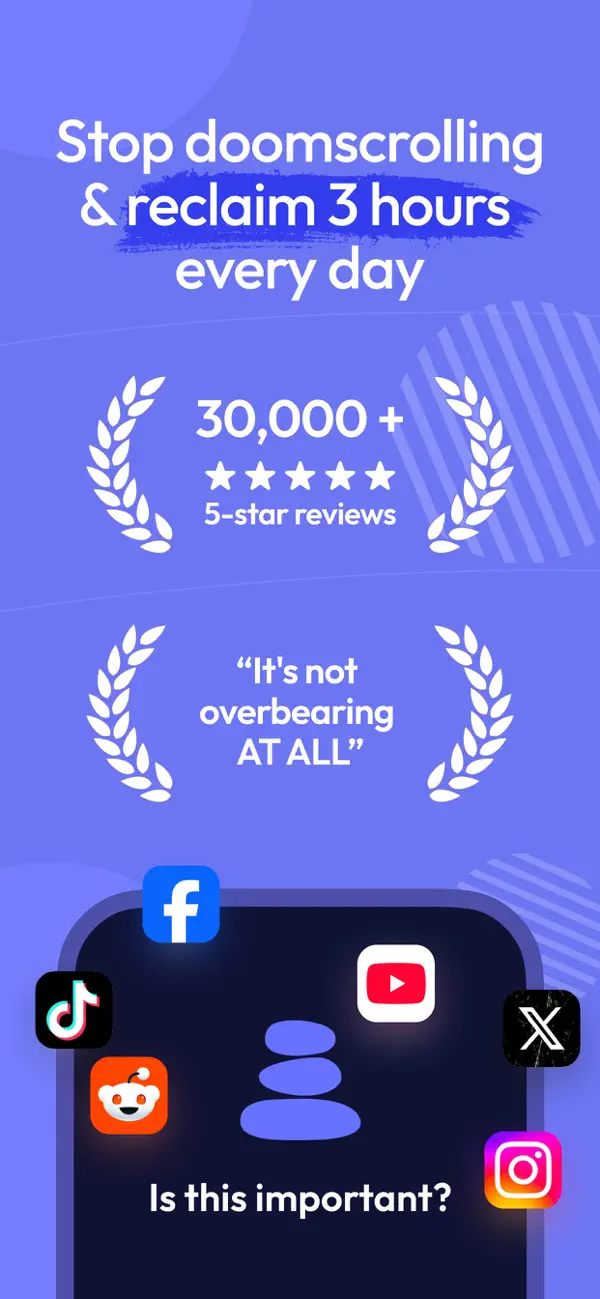
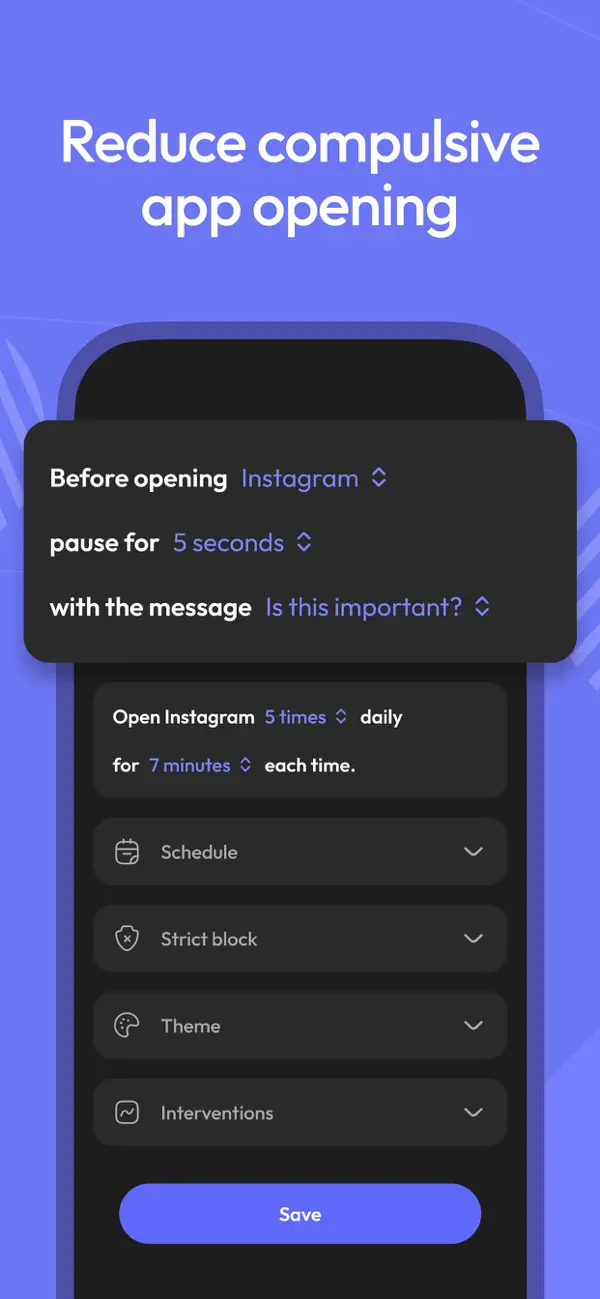
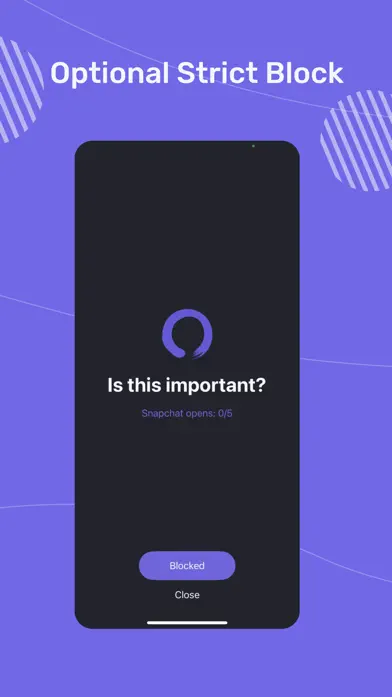
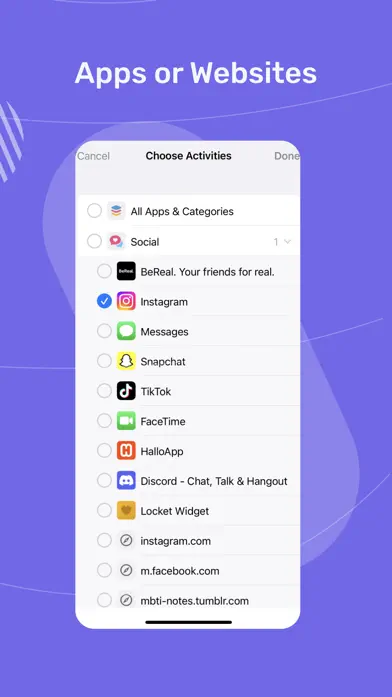
ScreenZen is completely free. No premium tier, no subscription, no in-app purchases. Every feature is available to every user. In a category dominated by $5-10/month subscriptions, that alone makes it remarkable.
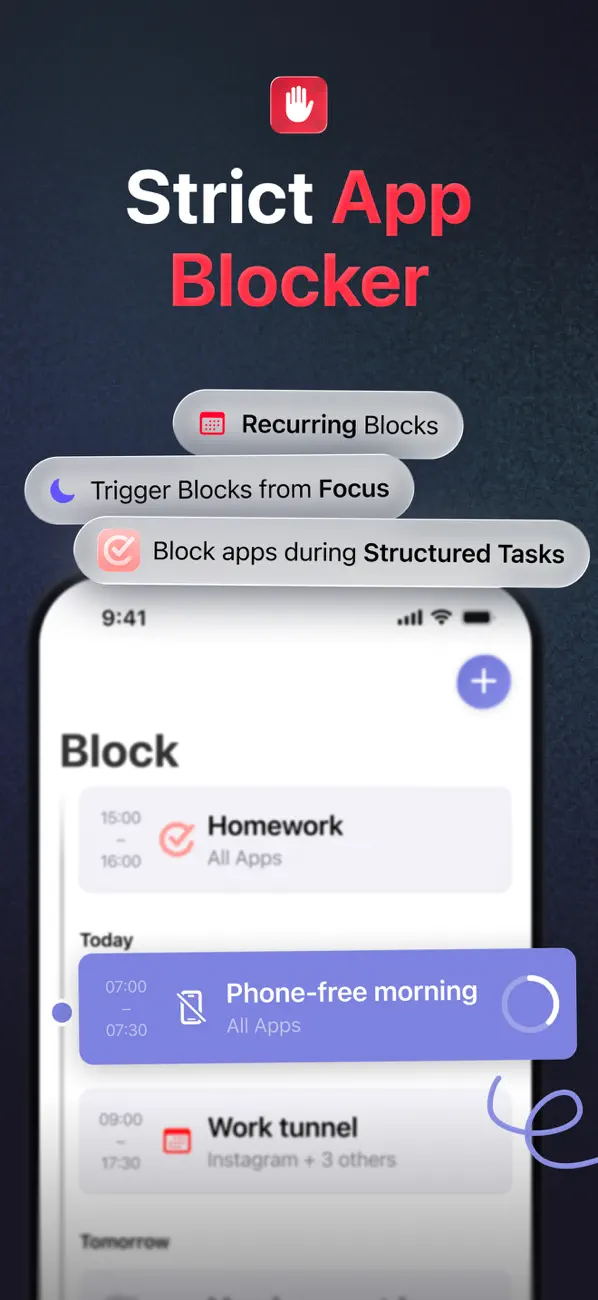
The app uses a friction-based approach similar to one sec but with more customization. When you try to open a restricted app, ScreenZen shows a configurable delay screen. You can set different delay durations per app, add daily usage limits, schedule "free periods" where restrictions are lifted, and customize the messages that appear during the delay.
The level of granularity is impressive for a free app. You can set Instagram to a 10-second delay with a 30-minute daily limit, Twitter to a 20-second delay with no time limit, and TikTok to a full block during work hours. Most paid apps do not offer this much per-app customization.
What we liked:
- Completely free. No freemium model, no paywalled features, no subscriptions. Everything works out of the box.
- Highly customizable. Per-app delay times, usage limits, scheduled restrictions, and custom messages. More granular than most paid competitors.
- Cross-platform. Works on both iOS and Android. One of the few free options that covers both ecosystems.
- Local data processing. Usage data stays on your device. No account required.
What could be better:
- Less polished UI. The interface is functional but not beautiful. Compared to Opal's premium design or Habi's clean aesthetic, ScreenZen looks a bit utilitarian.
- No hard blocking mode. Like one sec, the delays can be waited out. There is no equivalent to Opal's Deep Focus that physically prevents access.
- Limited analytics. Basic usage tracking without the detailed reports or trend analysis that paid apps provide.
Pricing: Free. Completely free.
Platforms: iPhone, Android.
Verdict: ScreenZen is the obvious recommendation for anyone who wants to try screen time management without spending money. The customization is genuinely better than most paid alternatives. The tradeoff is a less polished experience and no hard blocking. If you want free and functional, start here.
5. Freedom - Best Cross-Platform
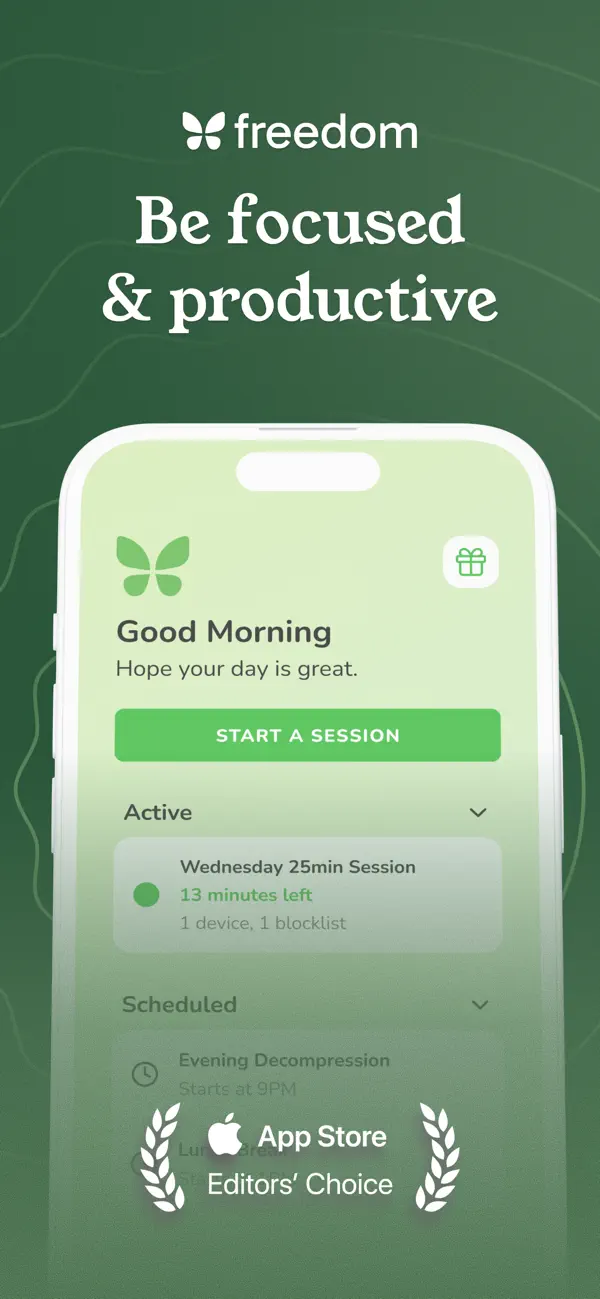
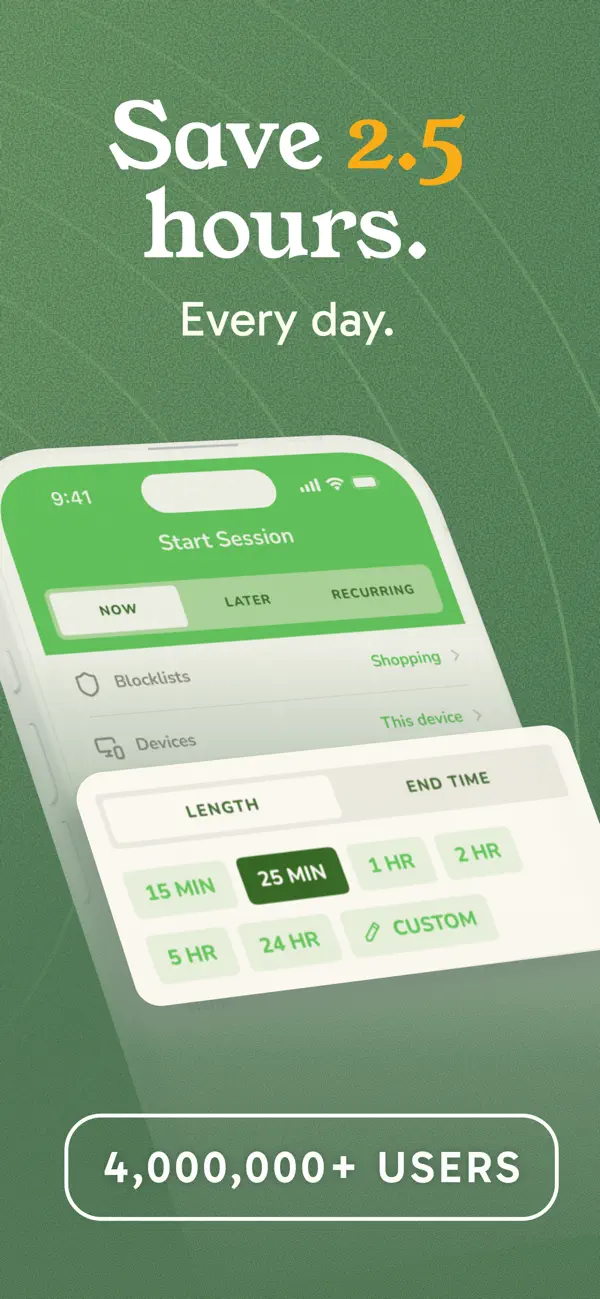
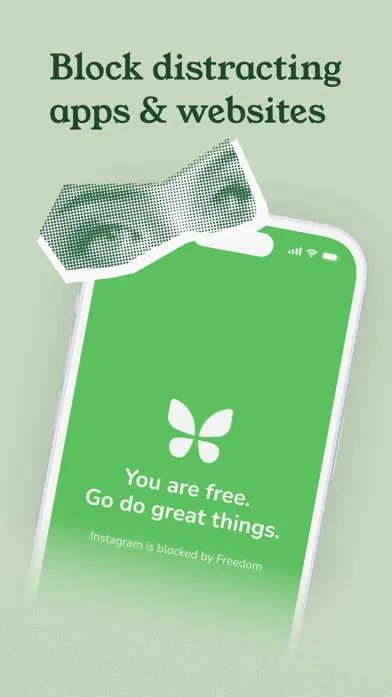
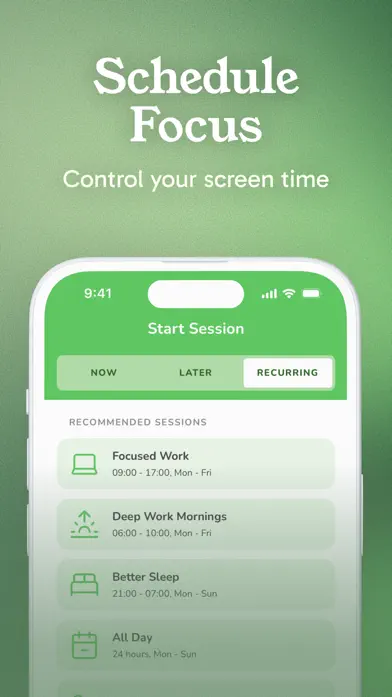
Freedom is the only app on this list that blocks distractions across every device you own in a single synced session. Start a blocking session on your Mac and it simultaneously activates on your iPhone, iPad, Windows PC, and Chrome browser. That cross-device sync is its killer feature.
The app uses a VPN on mobile and a system extension on desktop to block both apps and websites. You can create custom blocklists, schedule recurring sessions, and use "Locked Mode" to prevent yourself from ending a session early. Website blocking is where Freedom truly outperforms the competition, since most iOS screen time apps can only block apps, not specific websites.
Freedom has been around since 2011, making it the oldest app on this list. That longevity shows in its feature depth and reliability, though the interface feels dated compared to newer competitors.
What we liked:
- True cross-platform sync. Mac, Windows, iOS, Android, and Chrome. One session, all devices. No other app matches this coverage.
- Website blocking. Block specific websites or entire categories (social media, news, shopping). Critical for people whose distraction problem extends beyond phone apps.
- Locked Mode. Once a session starts, you cannot end it early. Prevents the "I'll just check one thing" rationalization.
- Proven track record. Operating since 2011 with millions of users. The features are battle-tested.
What could be better:
- VPN-based blocking. Freedom routes your traffic through a VPN on mobile. This can slow your internet connection and conflicts with other VPN services (including corporate VPNs).
- Expensive. $8.99/month or $39.99/year. For a blocking tool, that is premium pricing.
- Dated interface. The desktop and mobile apps feel like they were designed in 2018. Functional but not modern.
- Privacy concern. Because Freedom uses a VPN, your browsing traffic passes through their servers. Their privacy policy says they do not log browsing data, but the architecture requires trust.
Pricing: $8.99/month or $39.99/year. 7-session free trial.
Platforms: Mac, Windows, iPhone, iPad, Android, Chrome extension.
Verdict: Freedom is the right choice if your distraction problem spans multiple devices and includes websites, not just apps. The cross-platform sync is unmatched. The VPN requirement and premium price are the tradeoffs. If you only need phone blocking, Opal or Habi do it better for less (or free).
6. Clearspace - Best Visual Motivation
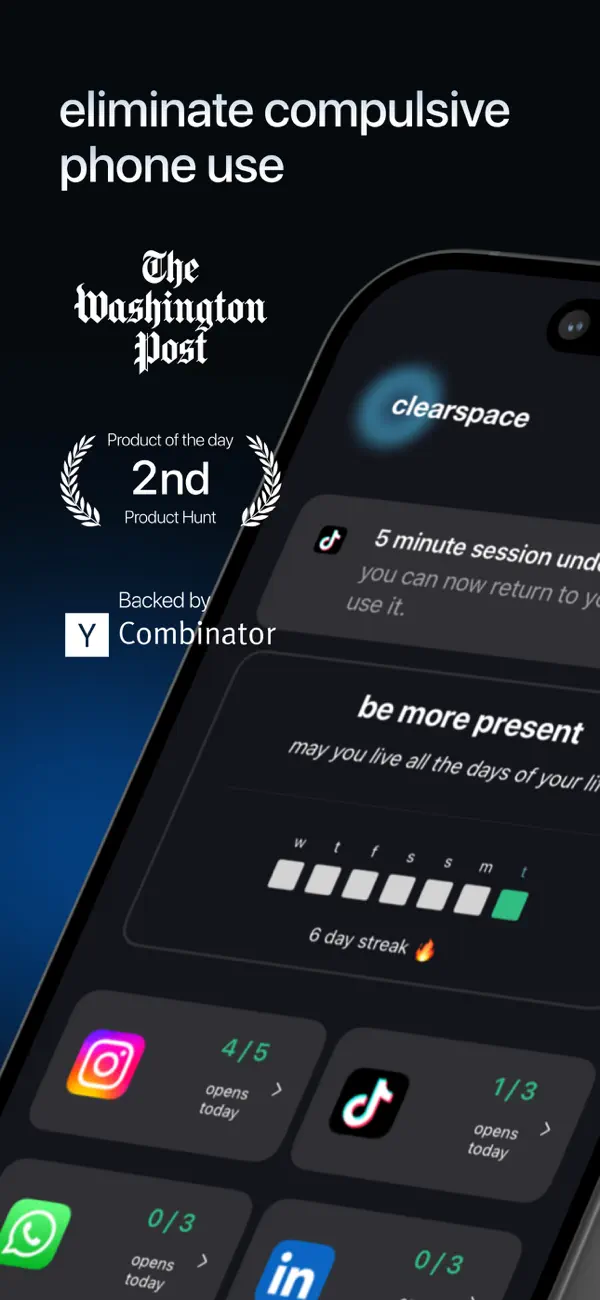
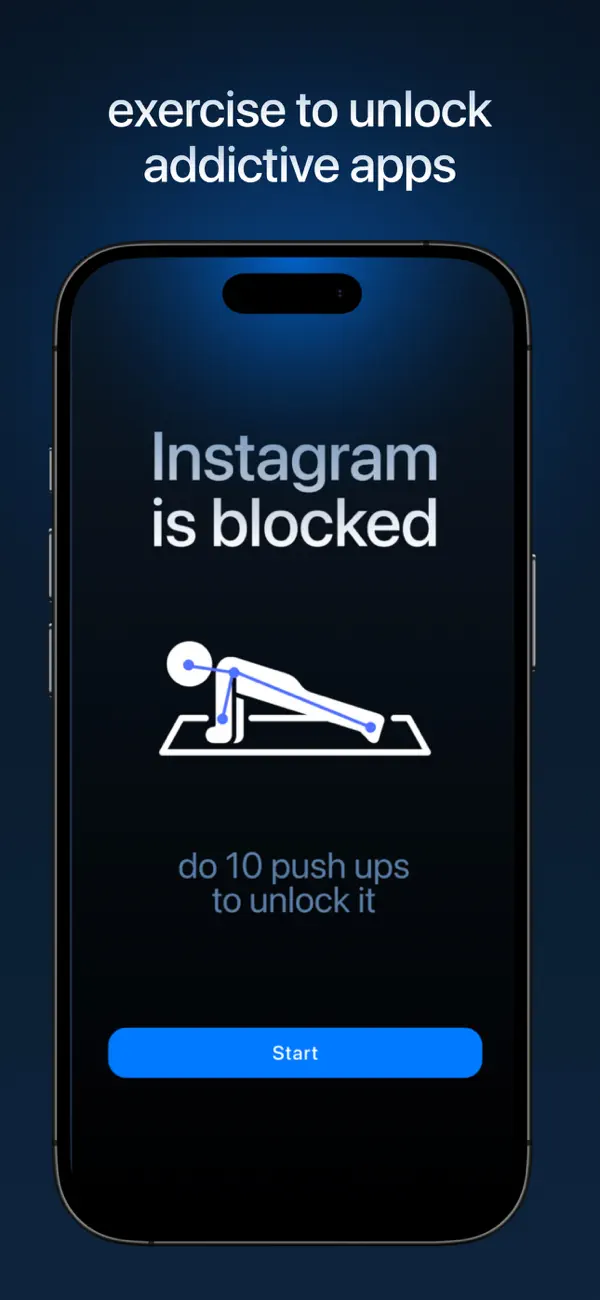
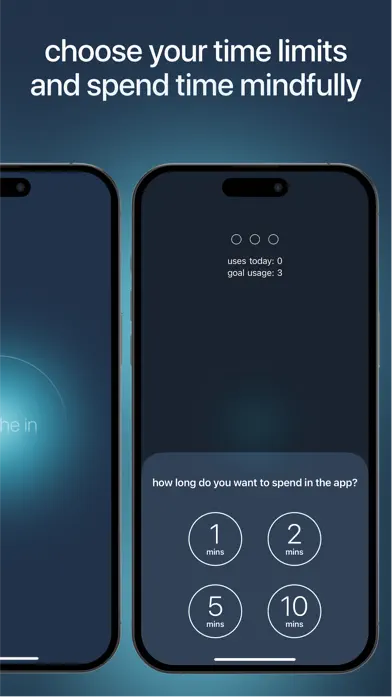
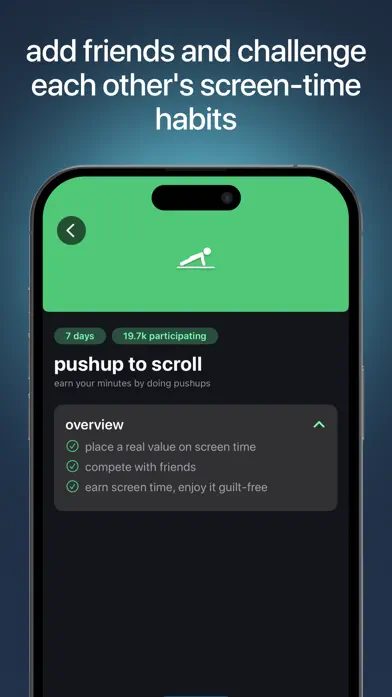
Clearspace takes the "awareness" approach one step further than one sec by showing you your actual usage statistics before you open an app. Try to open TikTok and Clearspace displays: "You've opened TikTok 12 times today. You've spent 47 minutes here. Your daily goal is 30 minutes."
The visual confrontation is the key differentiator. Most people dramatically underestimate their screen time. Seeing the real numbers in the exact moment you are about to add to them creates a powerful psychological pause. It is accountability through data, not restriction.
Clearspace also lets you set daily goals for each app and tracks your progress with visual charts. The gamified elements (streaks, progress bars, daily scores) add motivation without feeling childish.
What we liked:
- Visual impact. Seeing "you've spent 47 minutes on TikTok today" right before you open it is a more powerful deterrent than a timer or breathing exercise for many people.
- Gentle approach. Like one sec, Clearspace never locks you out. It trusts you to make the right decision when presented with data.
- Goal tracking. Set per-app daily limits and track progress over time. The visual charts make trends easy to spot.
- Clean design. Modern, well-designed interface with thoughtful animations.
What could be better:
- iOS only. No Android support. This limits its audience significantly.
- Easy to dismiss. One tap and you are past the stats screen and into the app. If you are in a compulsive state, a single tap is not enough friction to break the loop.
- Premium features behind paywall. The free tier is limited. Full analytics and unlimited app tracking require a subscription.
Pricing: Free (limited). Premium available via subscription.
Platforms: iPhone, iPad.
Verdict: Clearspace works best for people who respond to data and self-awareness rather than hard restrictions. If seeing your usage numbers in the moment would make you put the phone down, Clearspace is an elegant solution. If you need to be physically stopped, it will not be enough.
7. Apple Screen Time - Best Built-In
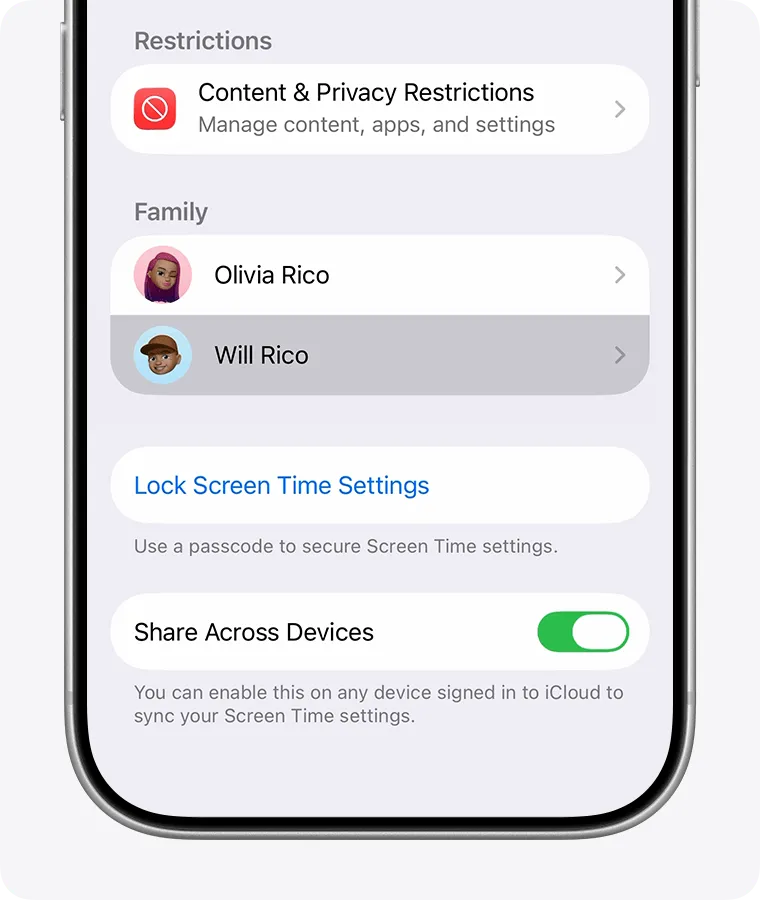
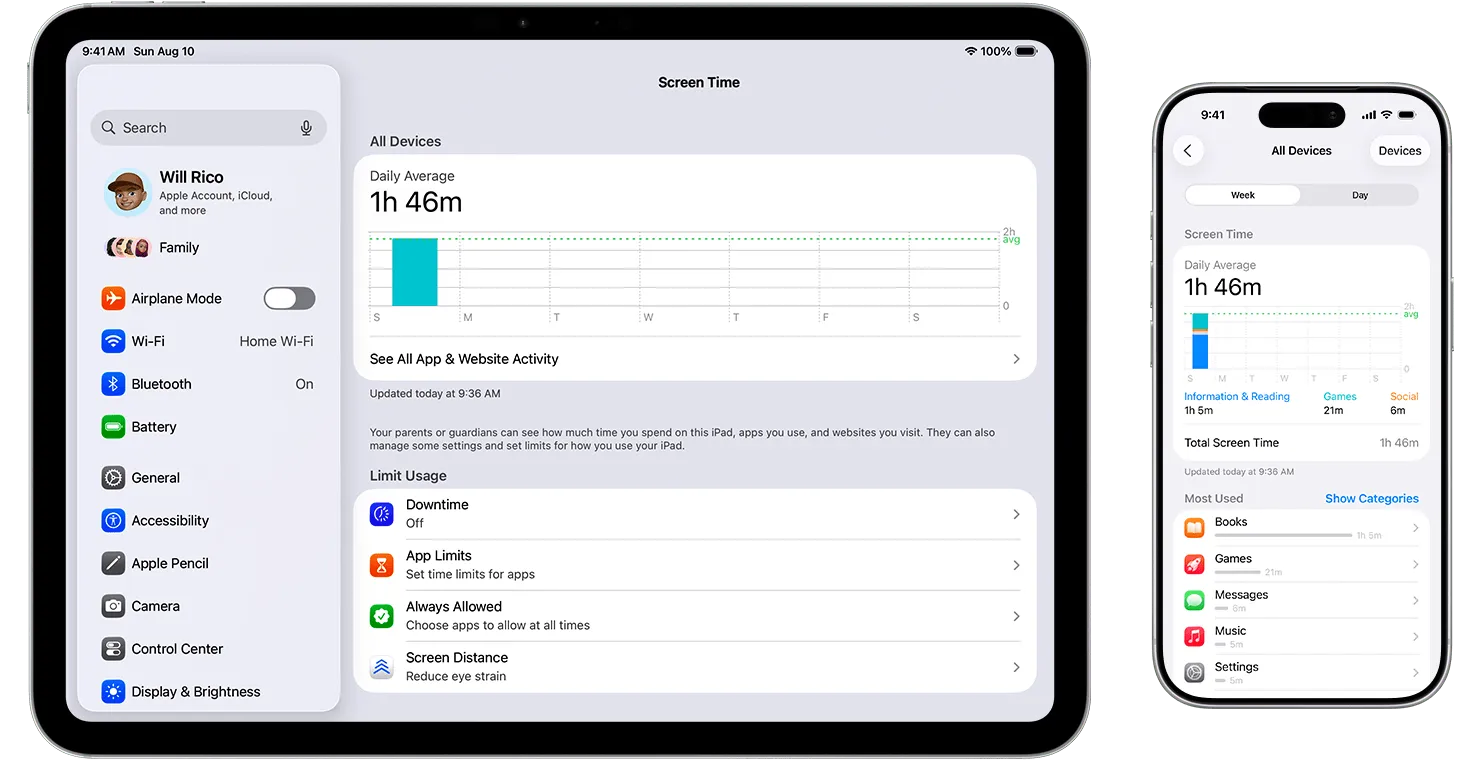
Apple Screen Time is built into every iPhone. No download, no account, no subscription. Open Settings, scroll to Screen Time, and you can set app limits, schedule Downtime, and view usage reports in under two minutes.
For basic monitoring, it works fine. The weekly reports show your total screen time, most-used apps, pickup count, and notification frequency. App Limits let you set daily time budgets per app or category. Downtime blocks all apps except those you whitelist during scheduled hours. Communication Limits restrict who can contact you during Downtime.
The problem is enforcement. When you hit an app limit, Apple shows a gentle "Time Limit" screen with a prominently displayed "Ignore Limit" button. One tap and you are back in the app. For anyone trying to manage their own screen time (rather than a child's), this makes the limits essentially meaningless. You are relying entirely on willpower in the exact moment your willpower is weakest.
What we liked:
- Free and pre-installed. Zero friction to start. No download, no account creation, no subscription. Already on your phone right now.
- Good usage reports. The weekly summary provides a solid overview of screen time, pickups, notifications, and most-used apps. Enough data to understand your patterns.
- Downtime scheduling. Block all non-essential apps during sleep hours or focus time. Useful as a baseline even if you add a third-party app on top.
- Parental controls. The real strength of Screen Time is managing children's device usage with a passcode. For self-management, it is far less effective.
What could be better:
- Easily bypassed. The "Ignore Limit" button makes every restriction optional. This single design choice undermines the entire system for self-management.
- No real blocking. Compared to Opal's Deep Focus or even ScreenZen's delays, Apple Screen Time offers almost no meaningful friction. It is a polite suggestion, not a boundary.
- Limited customization. You can set limits by app or category, but not by time of day (except Downtime). No per-app delays, no custom messages, no session-based blocking.
Pricing: Free. Built into iOS.
Platforms: iPhone, iPad, Mac.
Verdict: Apple Screen Time is a good starting point for understanding your usage patterns. The weekly reports alone provide valuable self-awareness. But for actually reducing screen time, it is the weakest tool on this list. The "Ignore Limit" button is a fatal design flaw for anyone managing their own behavior. Use it for monitoring, then add a real blocking app on top.
Comparison Table
| App | Price | Platform | Blocking Strength | Best For |
|---|---|---|---|---|
| 1. Habi | Free (optional Pro) | iOS, iPad, Mac | Medium | All-in-one habits + blocking |
| 2. Opal | Free / $9.99/mo | iOS | Very Strong | Aggressive blocking |
| 3. one sec | Free / $4.99/mo | iOS, Android, Mac | Gentle (friction) | Mindful pauses |
| 4. ScreenZen | Free | iOS, Android | Gentle (delays) | Free option |
| 5. Freedom | $8.99/mo | All platforms | Strong | Cross-platform |
| 6. Clearspace | Free / Premium | iOS | Gentle (data) | Visual motivation |
| 7. Apple Screen Time | Free (built-in) | iOS, iPad, Mac | Weak | Basic monitoring |
Frequently Asked Questions
What is the best app to limit screen time?
It depends on your approach. Habi is best if you want habit-integrated blocking where screen time limits tie into your broader focus and productivity system. Opal is best for aggressive, hard-to-bypass app blocking with scheduled focus sessions. one sec is best for a mindful, friction-based approach that makes you pause and breathe before opening distracting apps, building awareness without hard restrictions.
Do screen time apps actually work?
Yes. Research shows that adding friction to phone use reduces impulsive app opens by 30-50%. The key is choosing an approach that matches your personality. Aggressive blockers work for people who need hard boundaries. Friction-based apps work for people who want to build self-awareness gradually. The worst option is doing nothing and relying on willpower alone.
Is Apple Screen Time enough?
For basic usage tracking, yes. But Apple Screen Time lacks real blocking power. The "Ignore Limit" button makes it trivially easy to bypass any restriction you set for yourself. Third-party apps like Opal, Habi, and ScreenZen add meaningful accountability by making it harder to cheat in the moment of temptation.
Are screen time apps safe for privacy?
Check whether the app processes data locally on your device or sends it to external servers. Opal and ScreenZen process usage data locally. Habi stores everything in your personal iCloud with zero data collection. Freedom routes traffic through a VPN, which means your browsing data passes through their servers. Always read the privacy policy before installing a screen time app.
Can I use a screen time app with parental controls?
Most screen time apps work alongside Apple's built-in Screen Time parental controls without conflict. However, VPN-based blockers like Freedom may conflict with other VPN services or certain parental control configurations. Test both together before committing to a long-term setup.
Final Verdict
The best screen time app is the one that matches how you think about self-control. There is no universal answer because people fail at managing screen time for different reasons.
If you want screen time management built into a broader productivity system with habits, focus timer, and task tracking, pick Habi. It treats screen time as one piece of a larger puzzle instead of an isolated problem.
If you have tried everything and keep cheating, pick Opal. Deep Focus mode removes the option to cheat. That is worth the subscription for people who genuinely cannot stop themselves.
If you want to reduce usage without feeling controlled, pick one sec. The breathing pause builds genuine awareness over time. It is behavior change, not just restriction.
If you want free and functional, pick ScreenZen. It offers more customization than most paid apps at a price of zero dollars.
If your distractions span phone, laptop, and browser, pick Freedom. Nothing else blocks across every device in one session.
No matter which app you choose, the goal is the same: create space between the impulse and the action. That space is where better habits get built. For more strategies beyond apps, see our guides on how to reduce screen time and dopamine detox. And if you want to replace your scrolling time with something productive, our focus timer guide is a good next step.
Ready to start? Download Habi and block your first distracting app in under two minutes.